Inventory Tracker Template
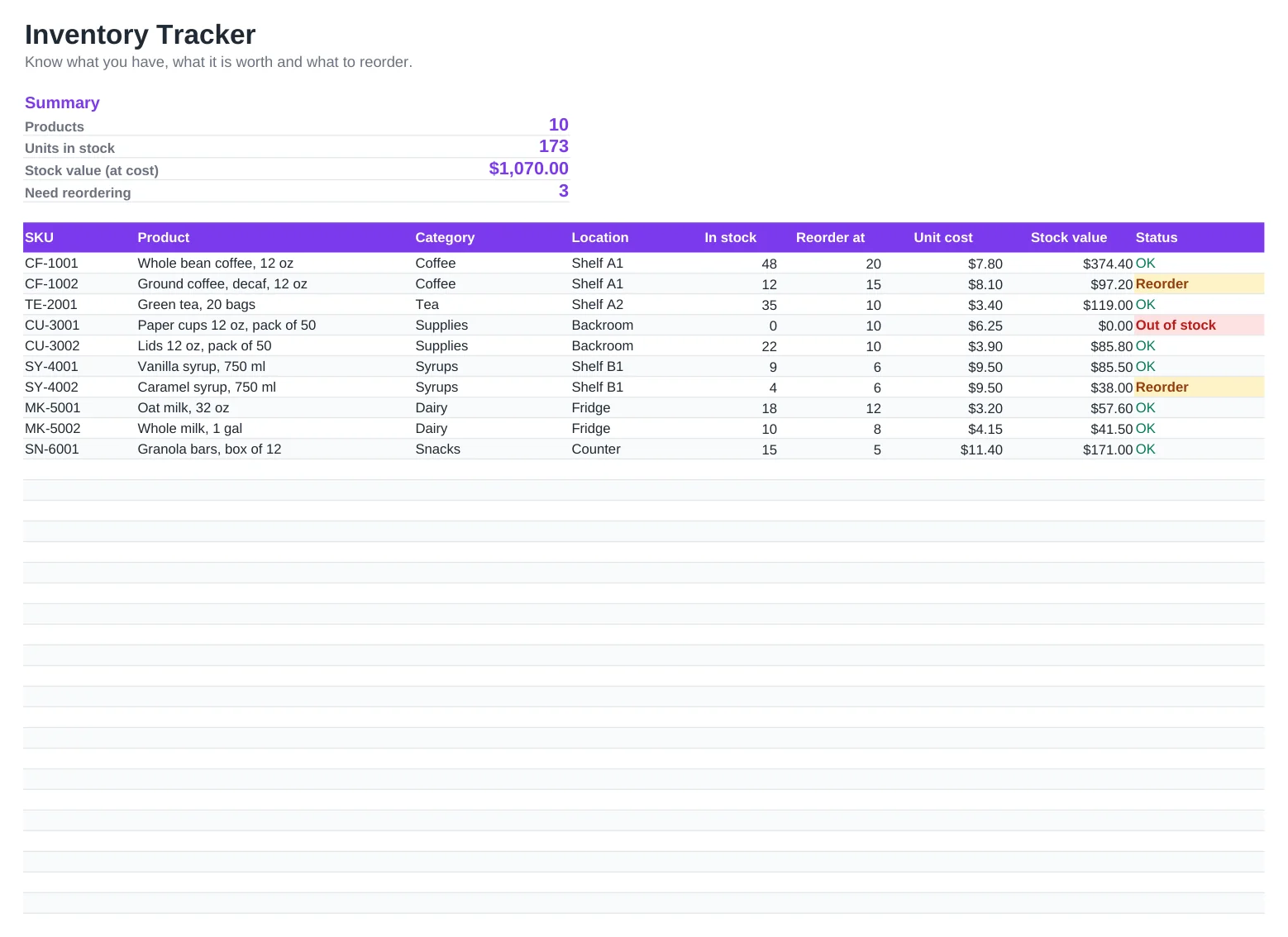
Running out of a best seller costs sales, and overstocking ties up cash. This inventory template gives small businesses a clear view of every product: how many you have, where it is stored, what it cost and when it is time to reorder.
Set a reorder point for each item and the status column flags it automatically when stock gets low. The summary at the top shows how many products need attention and the total value of your stock at cost.
What's included
- Automatic status for each item: OK, Reorder or Out of stock, with color highlighting
- Stock value per item and in total, calculated from quantity and unit cost
- Summary with product count, units in stock, stock value and items to reorder
- Columns for SKU, category and storage location
- Works in Excel, Excel for Mac, Google Sheets and LibreOffice. No macros
How to use it
- Replace the sample products with your own SKUs, names and categories.
- Enter the current quantity in stock and the unit cost for each item.
- Set a reorder point that covers your supplier's lead time.
- Update the In stock column after every delivery, sale or stock count.
- Check the Need reordering number at the top and sort by Status to build your purchase order.
Simple rules for better stock control
A good reorder point is your average daily sales multiplied by the supplier's lead time in days, plus a small safety stock. Review it every few months, especially for seasonal products.
Do a physical count regularly. Many businesses count their fastest-moving items weekly and everything else monthly or quarterly.
Stock value at cost is the number your accountant needs for year-end inventory and cost of goods sold, so keep unit costs up to date when supplier prices change.
Frequently asked questions
Is this inventory template free?
Yes. It is free for personal and commercial use, with no sign-up.
How many products can I track?
The template comes with 40 rows. Insert more rows inside the table, above the Total row, and all formulas and totals will include them.
Can several people update it at the same time?
Yes, if you open it in Google Sheets or in Excel for the web from OneDrive or SharePoint. Everyone sees changes in real time.
Does it track sales and purchases separately?
This version keeps one current stock figure per item. Update the In stock column after each movement, or keep a separate log of receipts and sales if you need a full history.